CASE-003058 · image
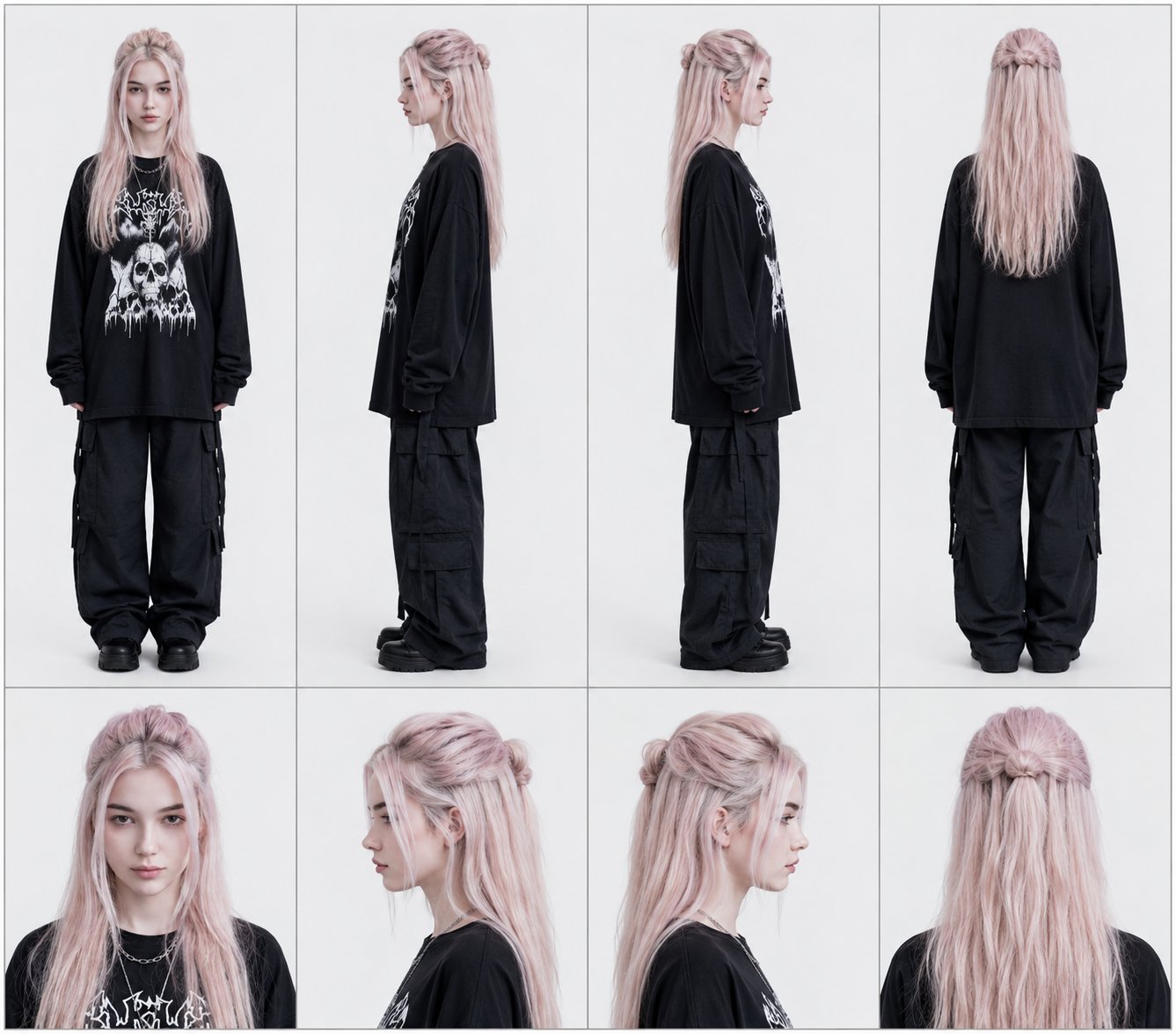
Four-View Character Reference Sheet Layout Prompt (No Text, Thin Borders, Flat Lighting)
Create a professional four-column character reference sheet: full-body plus close-up portraits in four angles, with thin borders and flat lighting, no text.
Image Editing
x
#General
#Infographic
Full Prompt
English Prompt
Language labels always match their content
Create a professional character reference sheet of the uploaded image. Arrange it into four vertical columns (left to right). Each column represents one viewing angle. In each column, place a full-body view on top and a matching close-up portrait directly beneath it. Columns (left → right): Column 1: front view (full body above, front portrait below) Column 2: left profile (full body facing left; portrait facing left below) Column 3: right profile (full body facing right; portrait facing right below) Column 4: back view (back full body above, matching back portrait below) Maintain even spacing and framing around the character portraits. Clean silhouette, consistent alignment, and clean panel separation. No text. Thin borders. Flat lighting. (Use the uploaded image as the character source.)
Image URLs
Source URL